
Cover Image for #PSdailychallenge February 2020
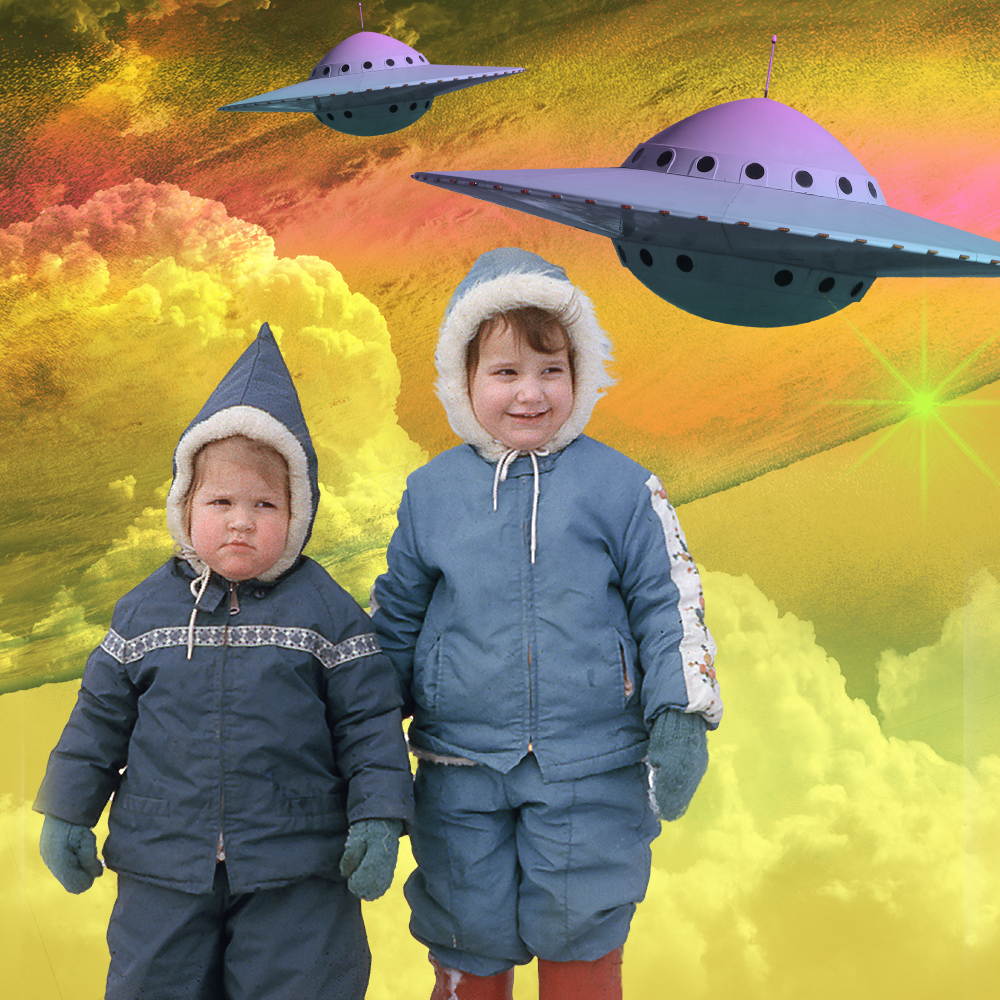
Challenge 1: Turn yourself or a friend into a space explorer by swapping backgrounds and adding space themed objects.
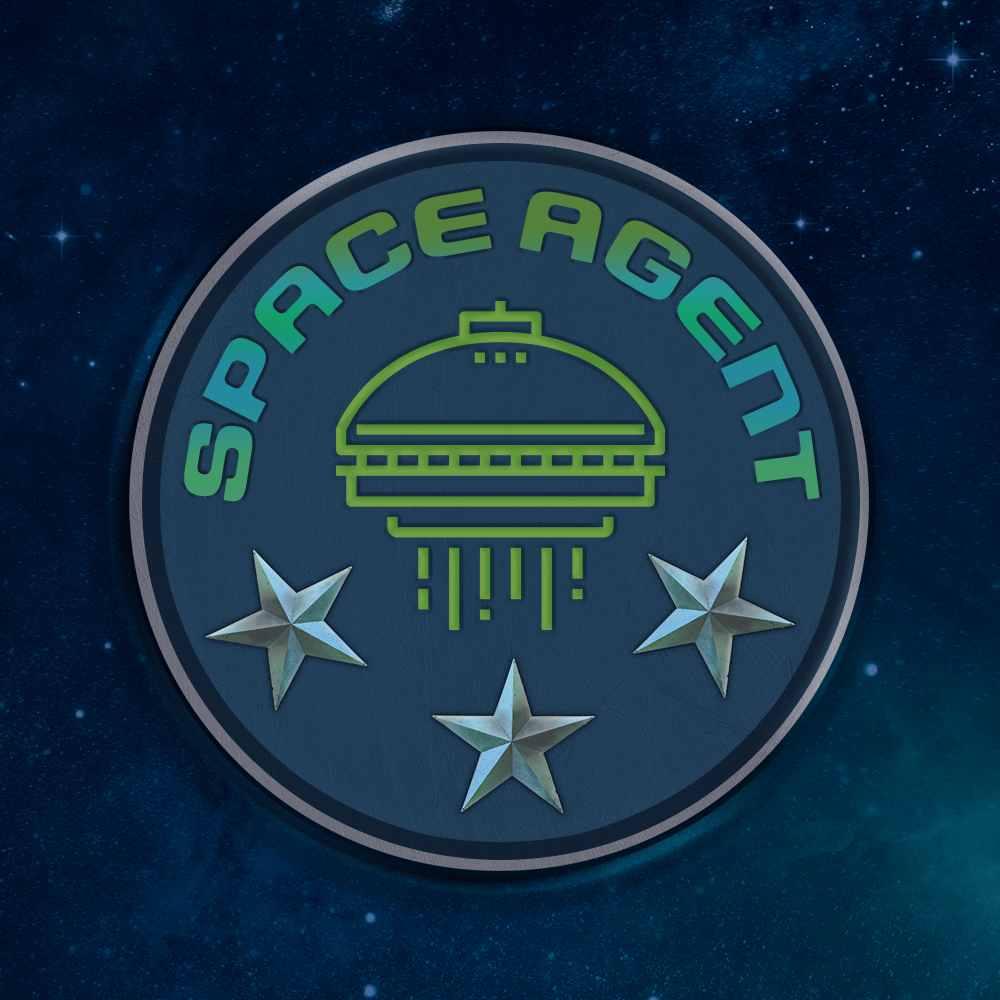
Challenge 2: Design a realistic space explorer badge using Bevel and Emboss.
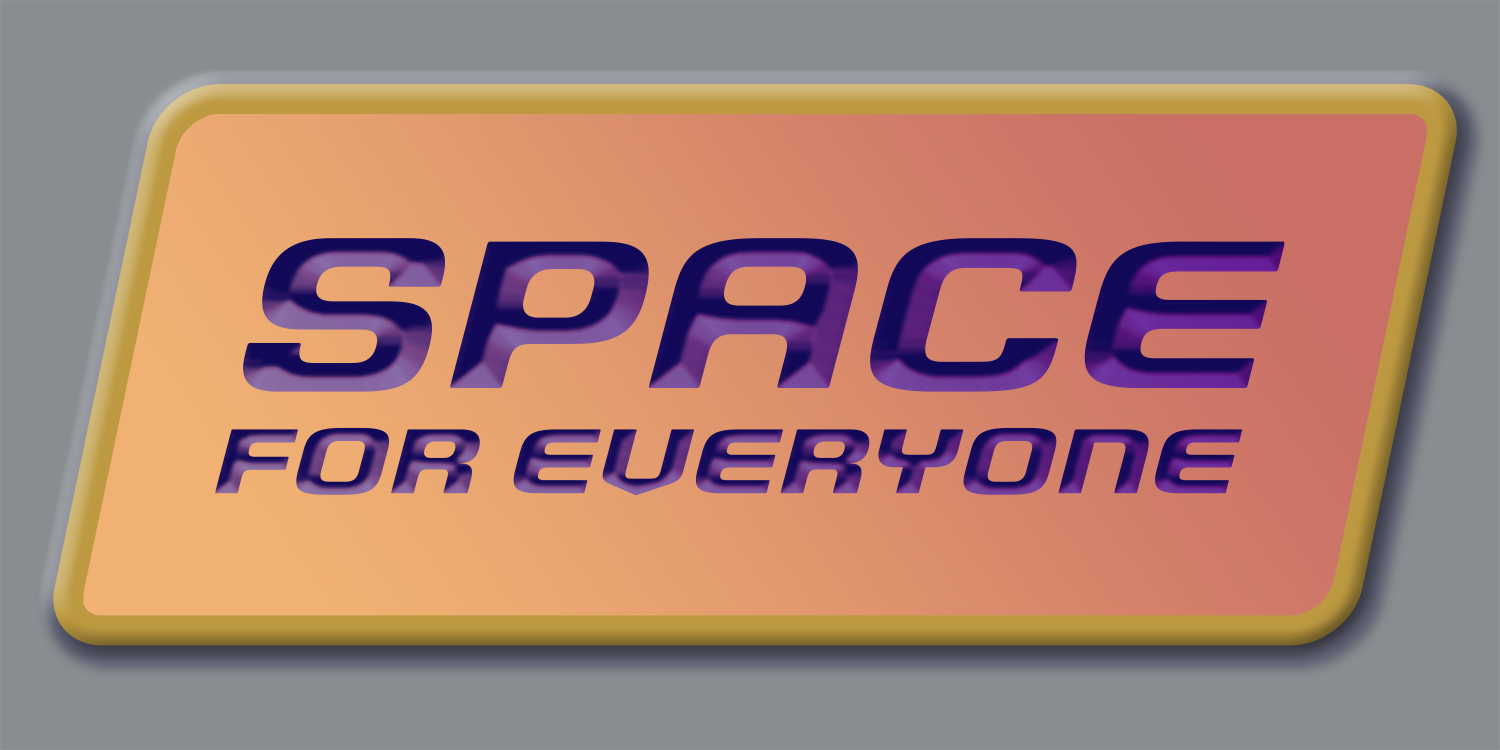
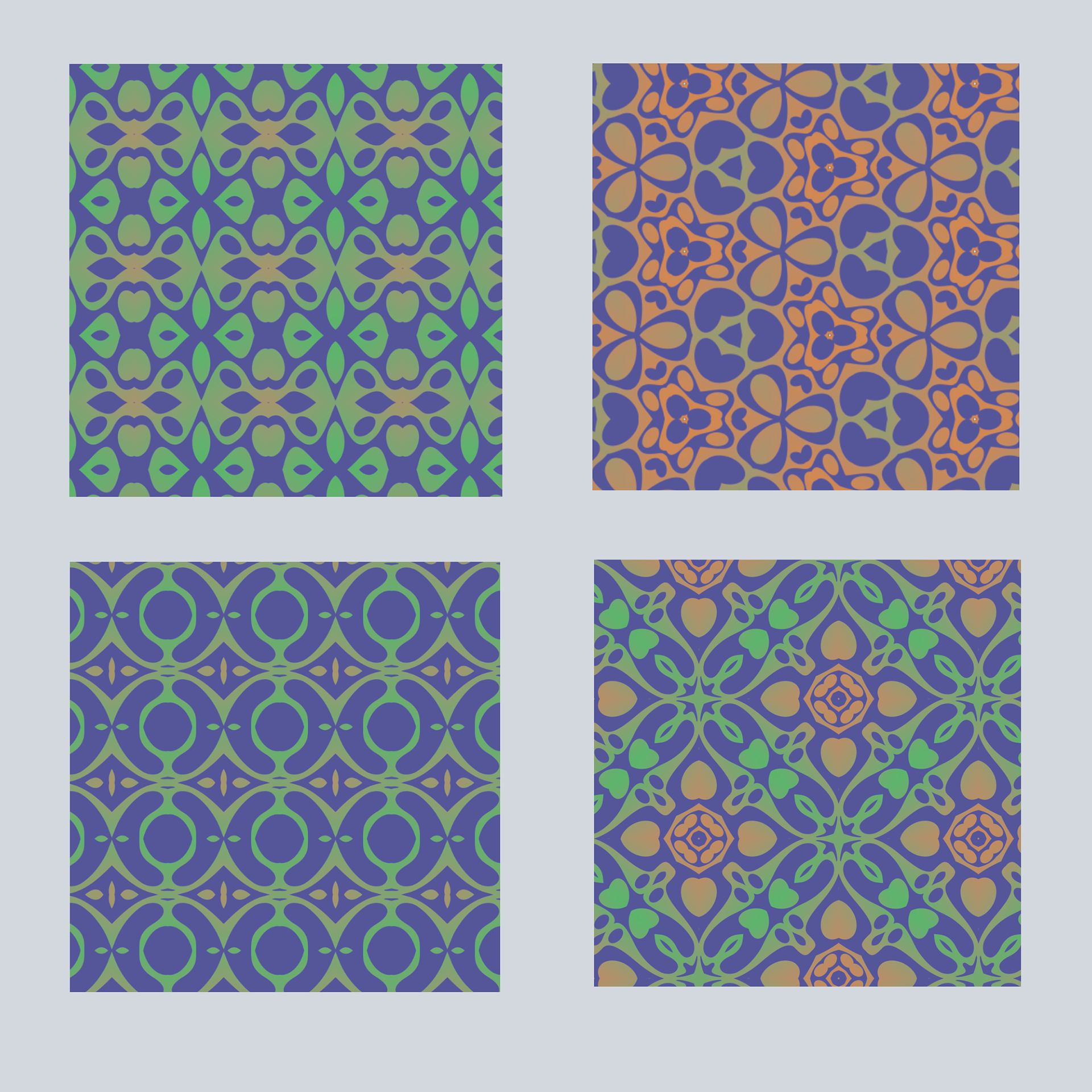
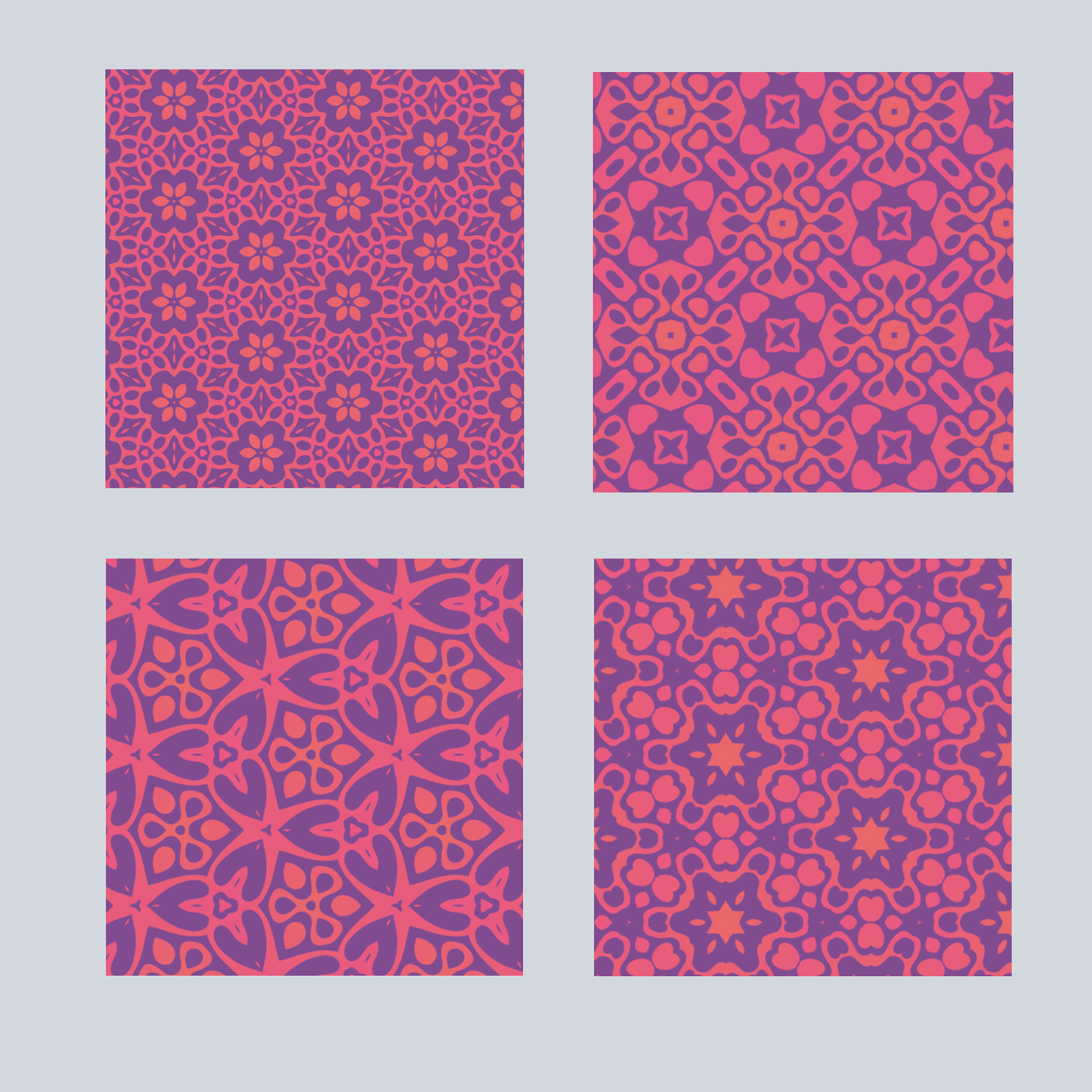
Challenge 3: Create a custom pattern or texture using the Define Pattern tool. Try applying your pattern to a piece of space equipment or your badge from challenge #2.
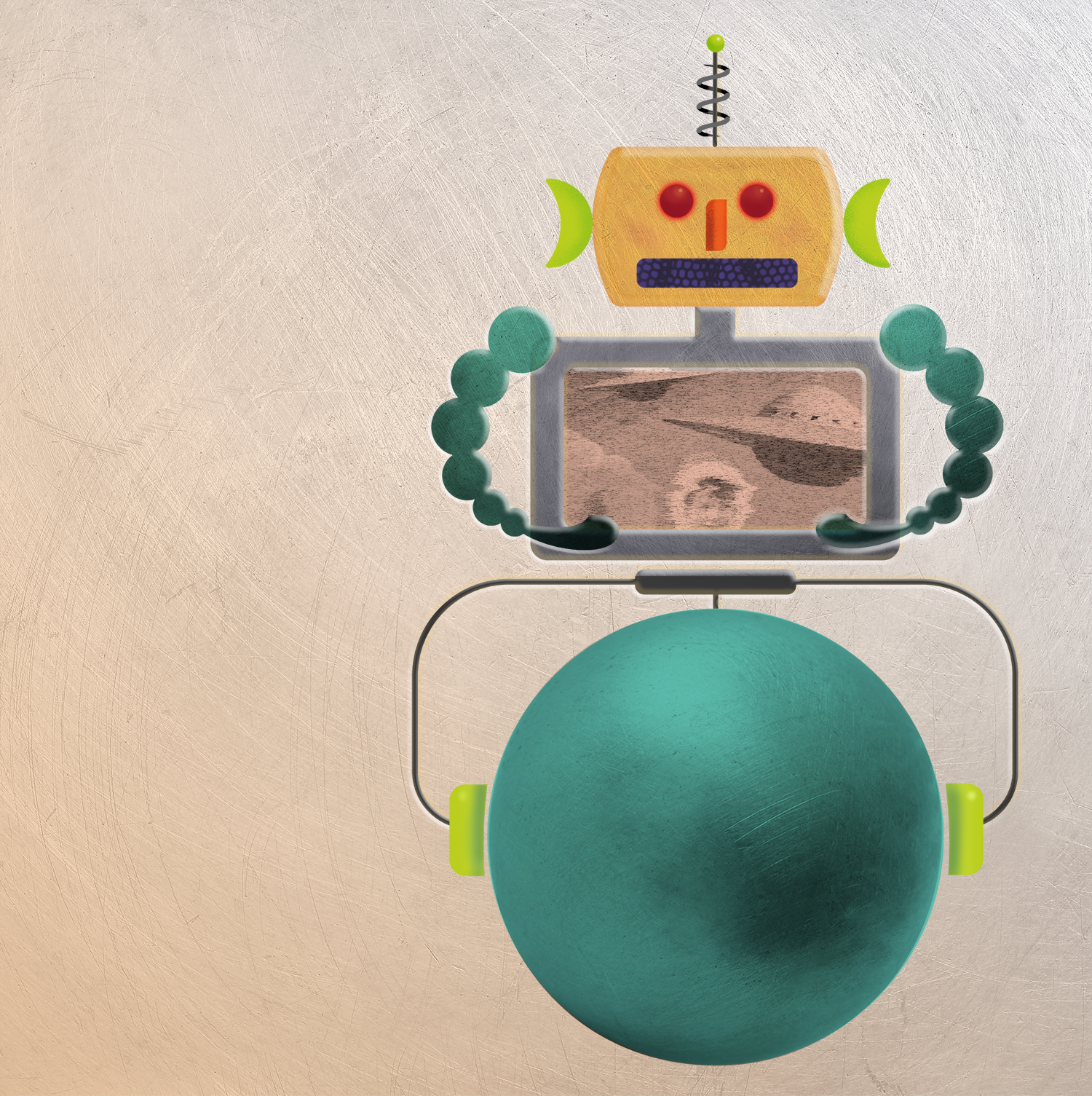
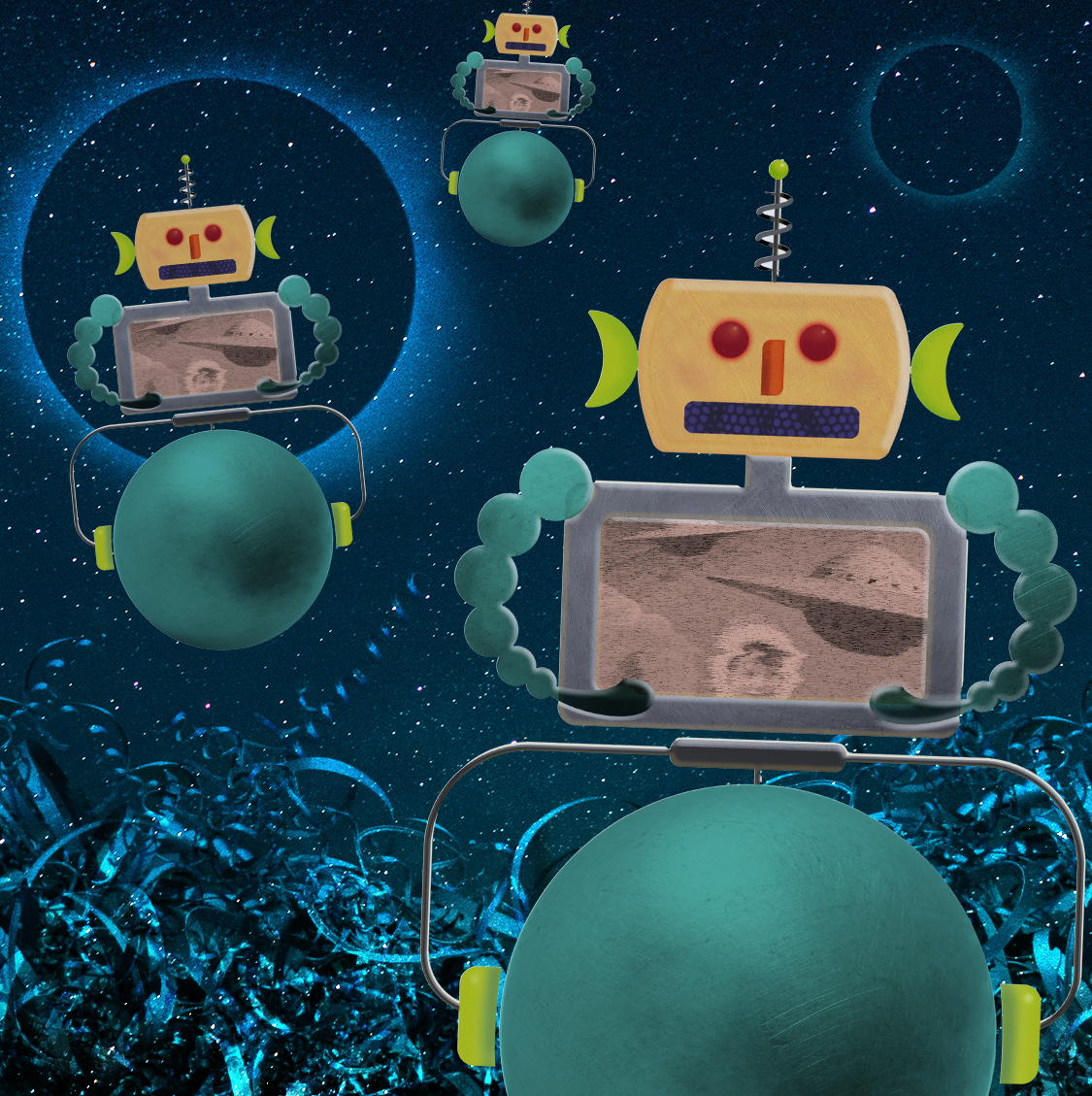
Challenge 4: Create a robot sidekick! Define the silhouette of your robot with the Custom Shape tool and add details using layer masks.
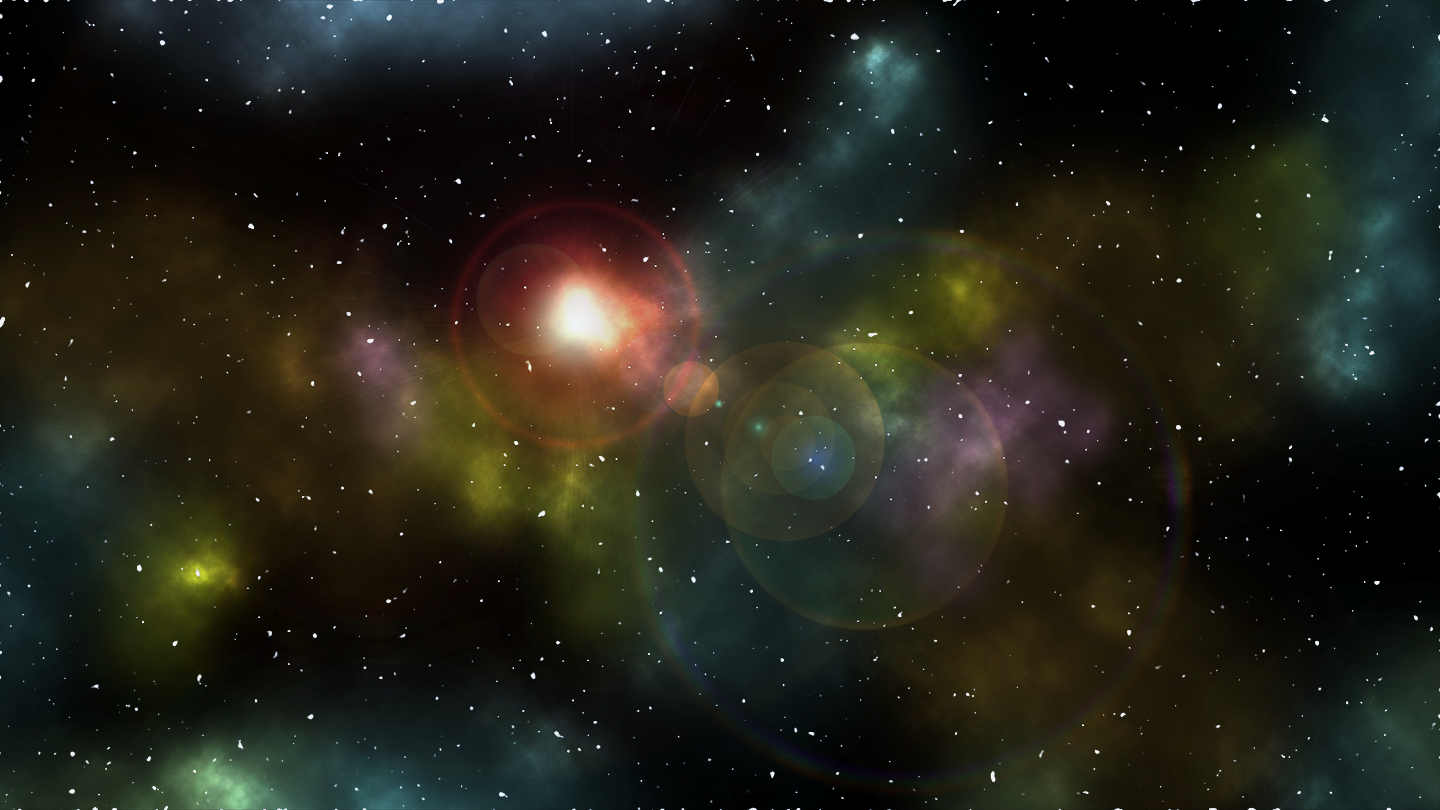
Challenge 5: Design a space nebula background using brushes, gradients and Distort filters.
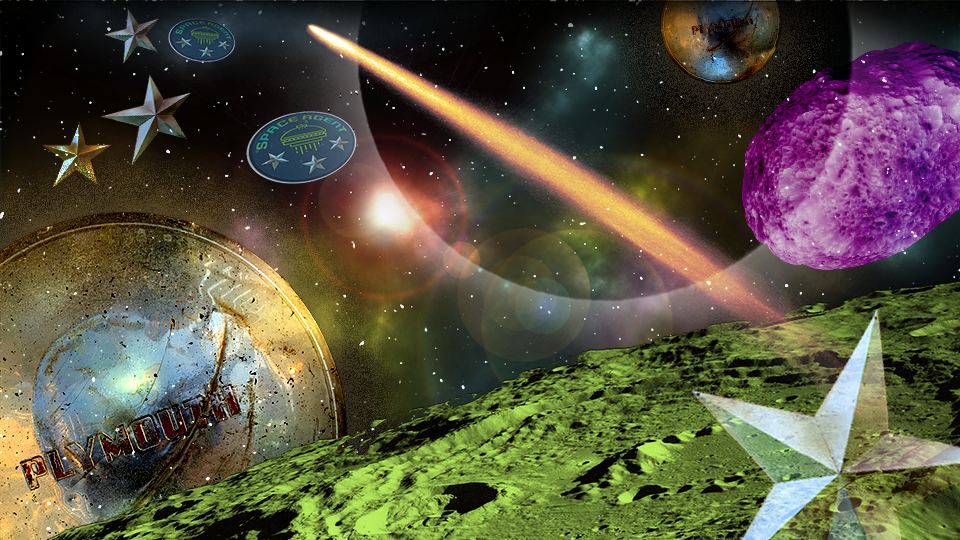
Challenge 6: Combine shapes and images to create a custom space-scape. Use your space nebula background from challenge #5.
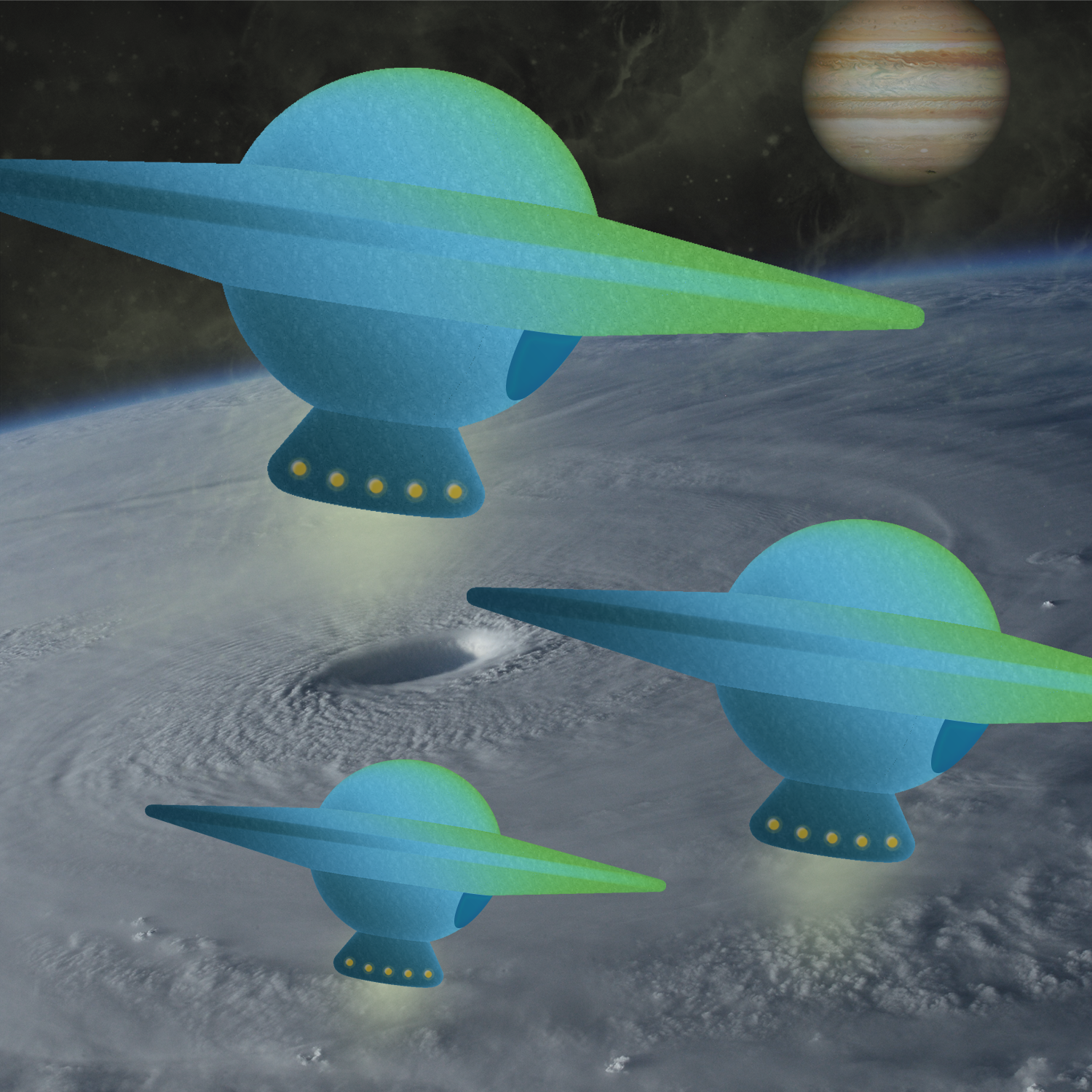
Create a spaceship using the 3D workspace in Photoshop. Use brushes and textures to add unique details.
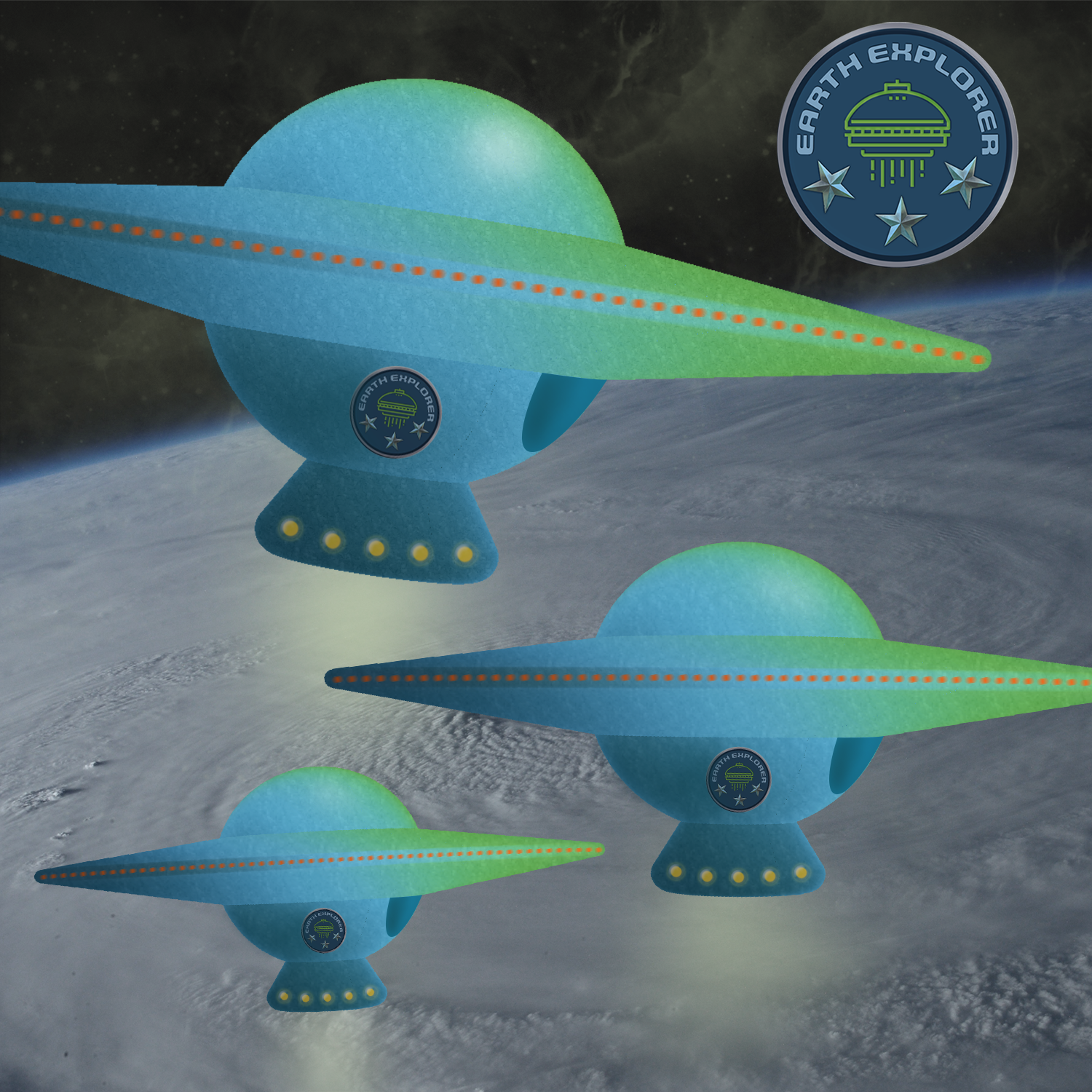
Design a spaceship decal using type tools. Wrap text around an object by adhering your type to a custom path. Use your badge from challenge #2 or the one in the starter file.