
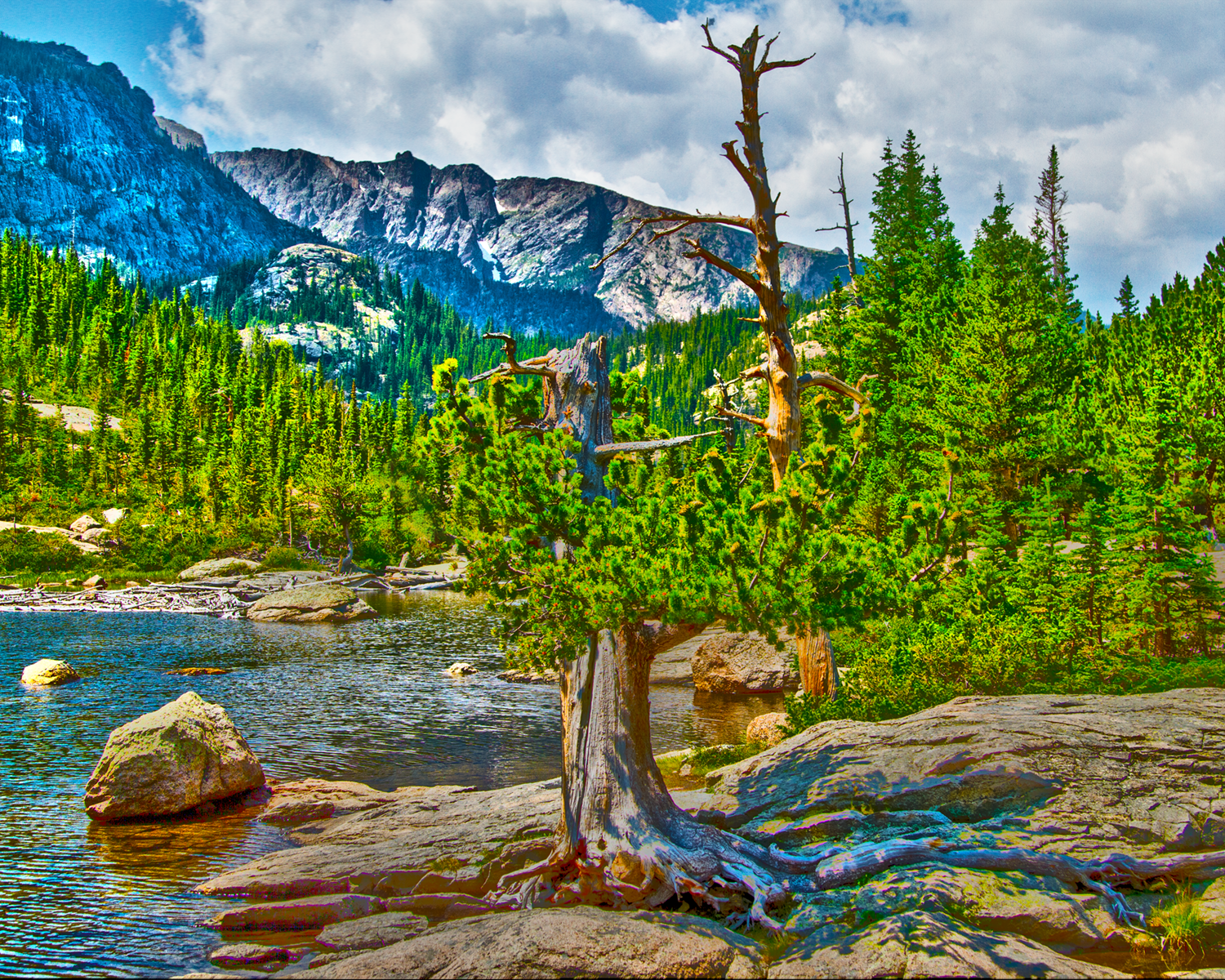
Day 1 Challenge—Dramatic Landscapes: Add drama to a mundane landscape using Effects and HDR Toning.
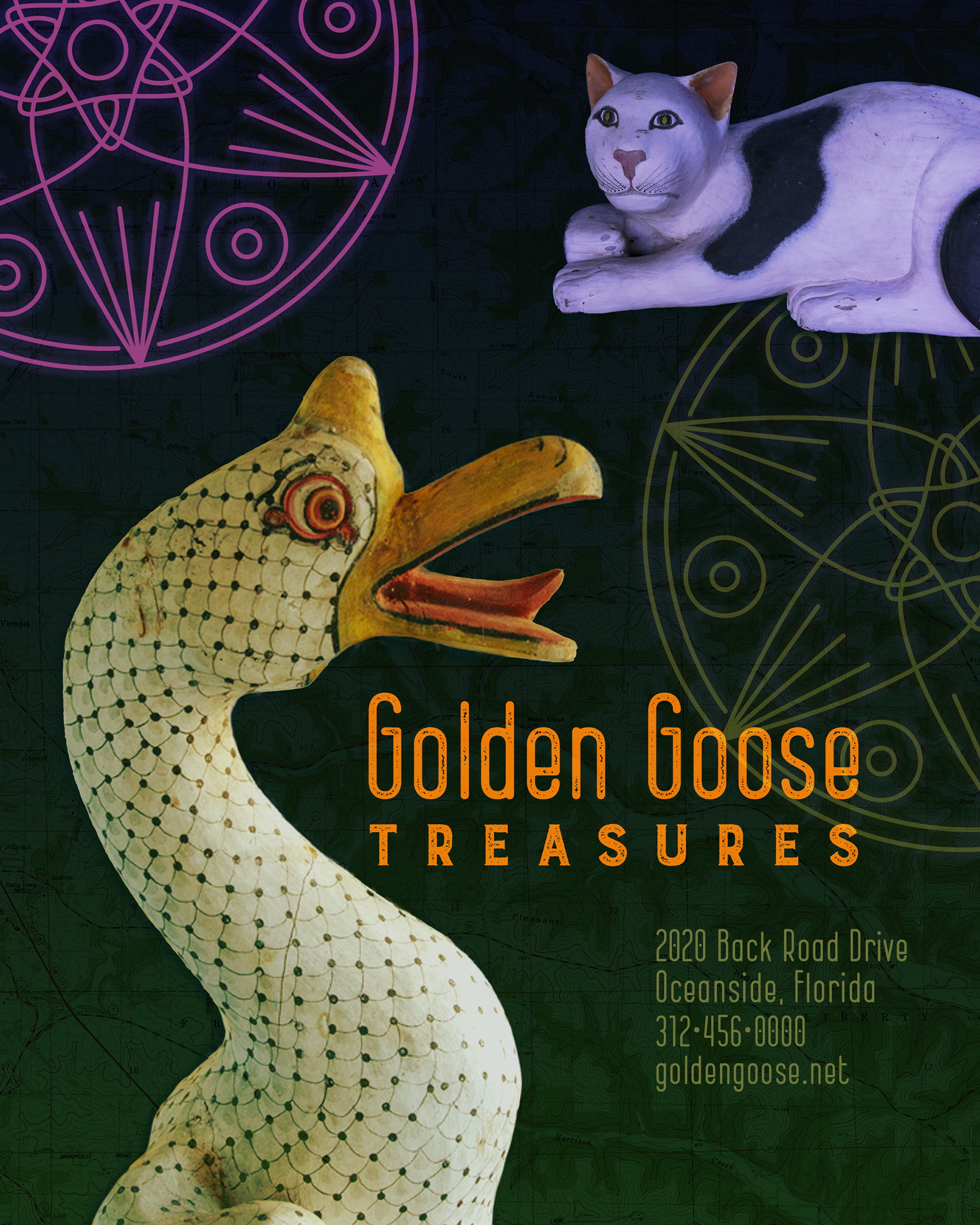
Day 2 Challenge—Vector & Raster: Mix crisp vector lines with detailed raster images to create a unique photo composite.
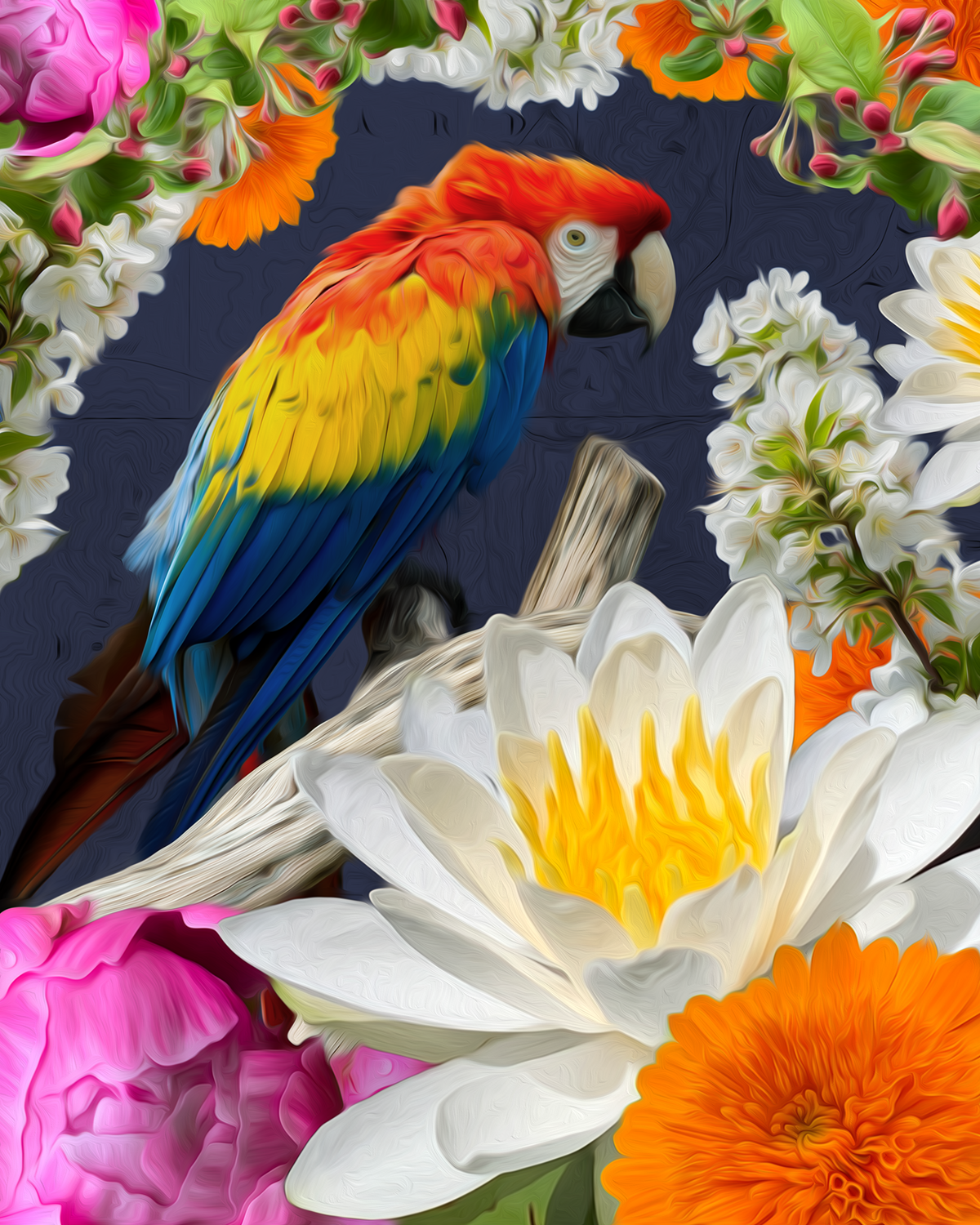
Day 3 Challenge—Paint Effects: Turn a photograph into a painting using brushes and painting effects.
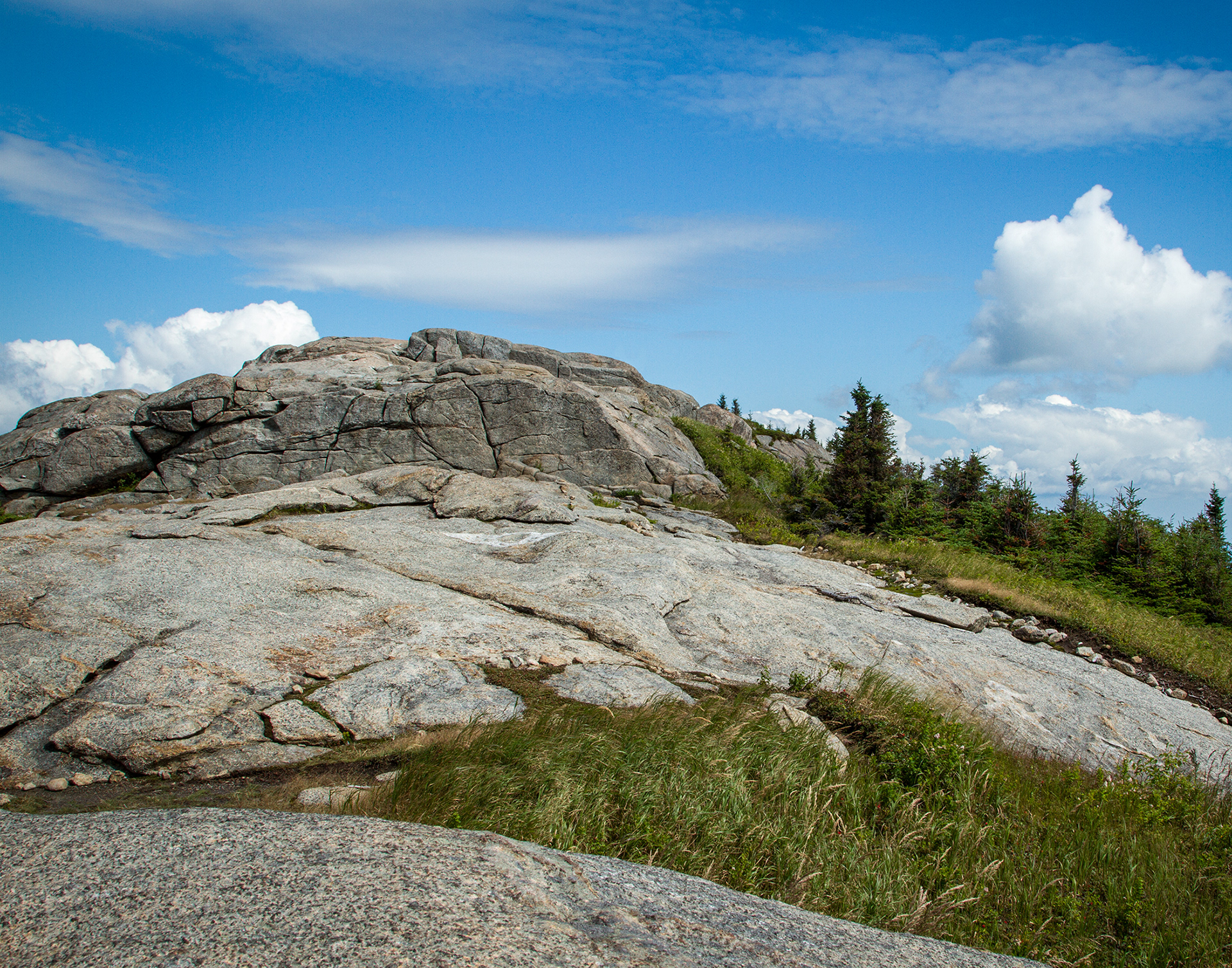
Day 4 Challenge—Make an image brighter, bolder and more professional using Camera Raw filters.
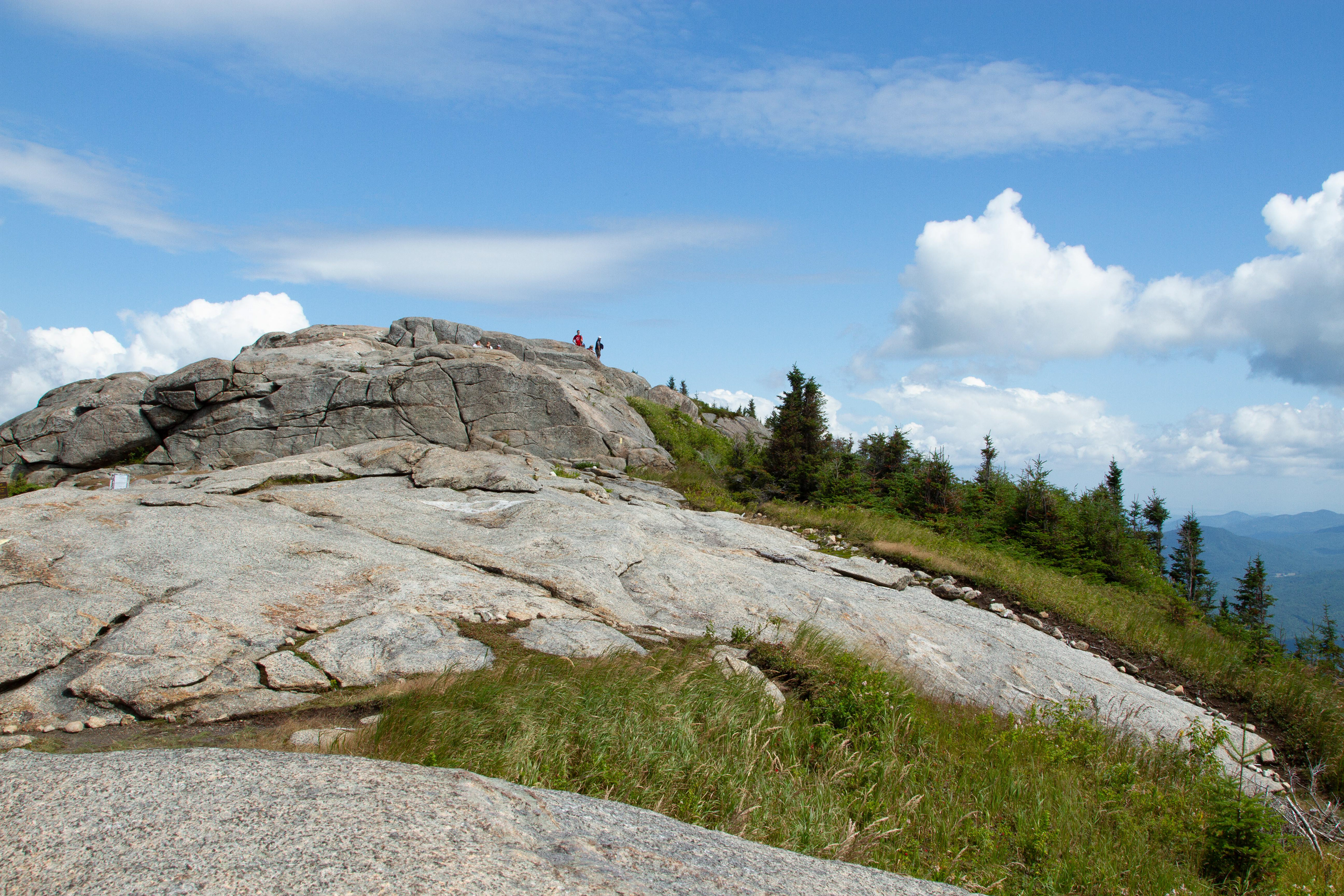
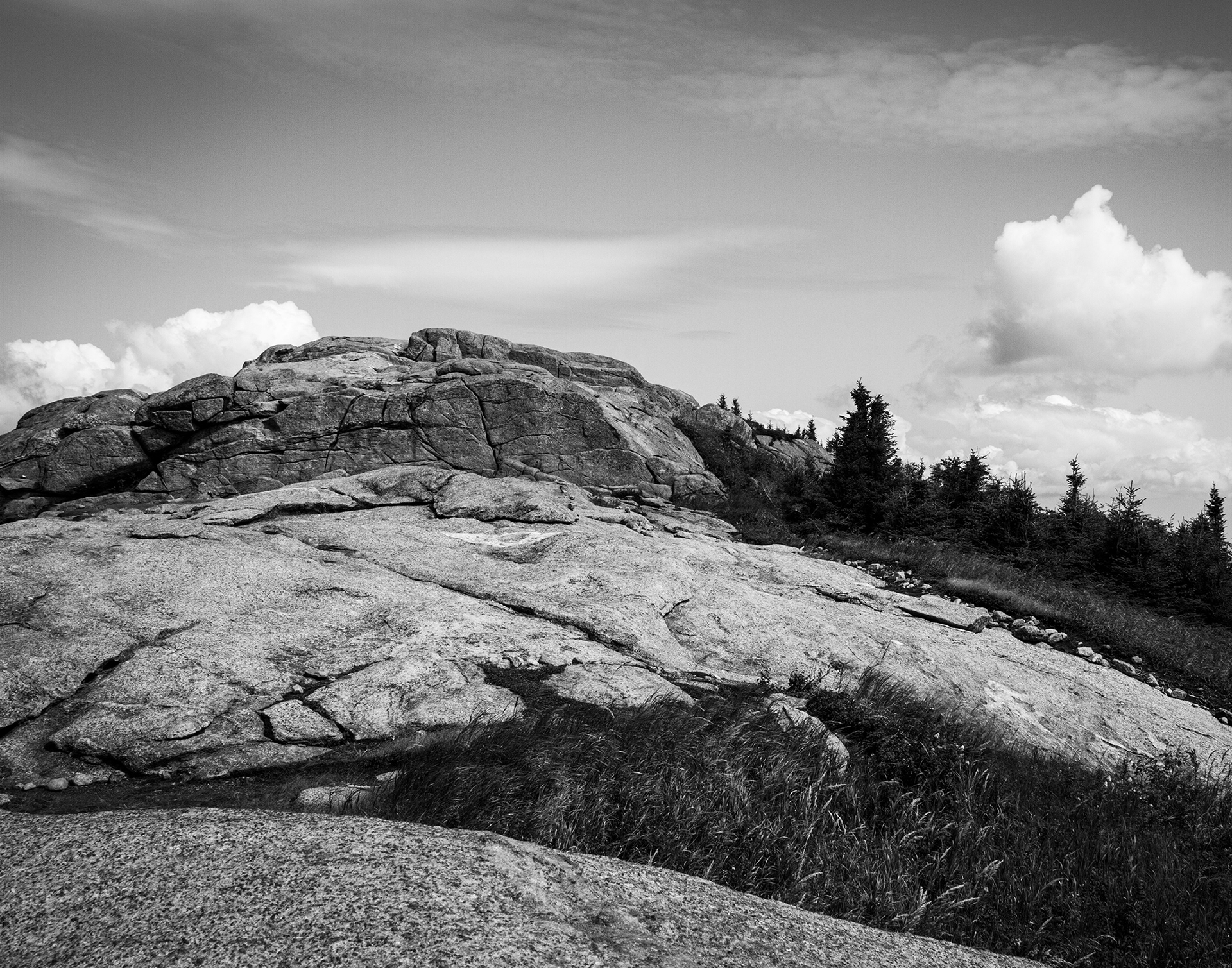
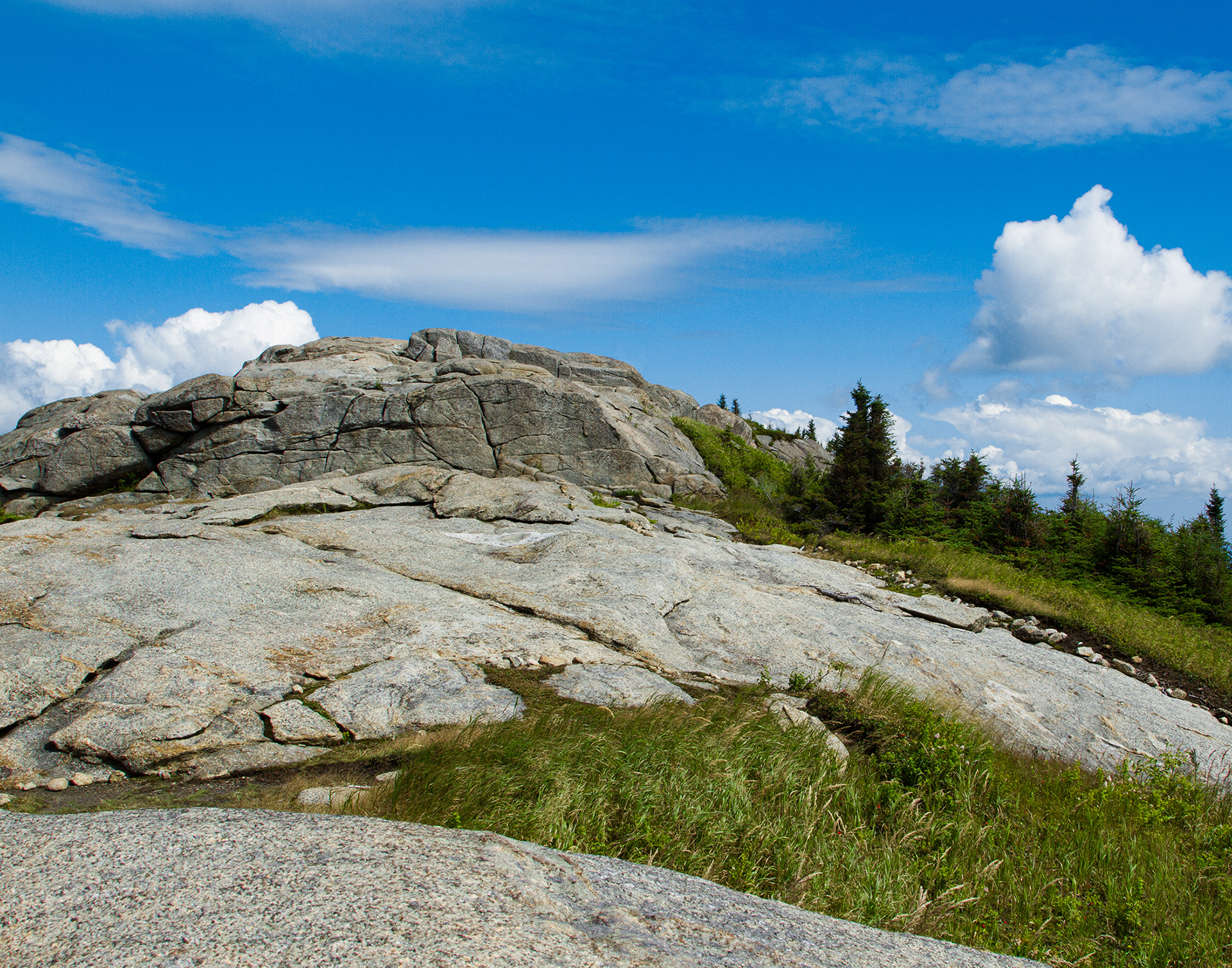
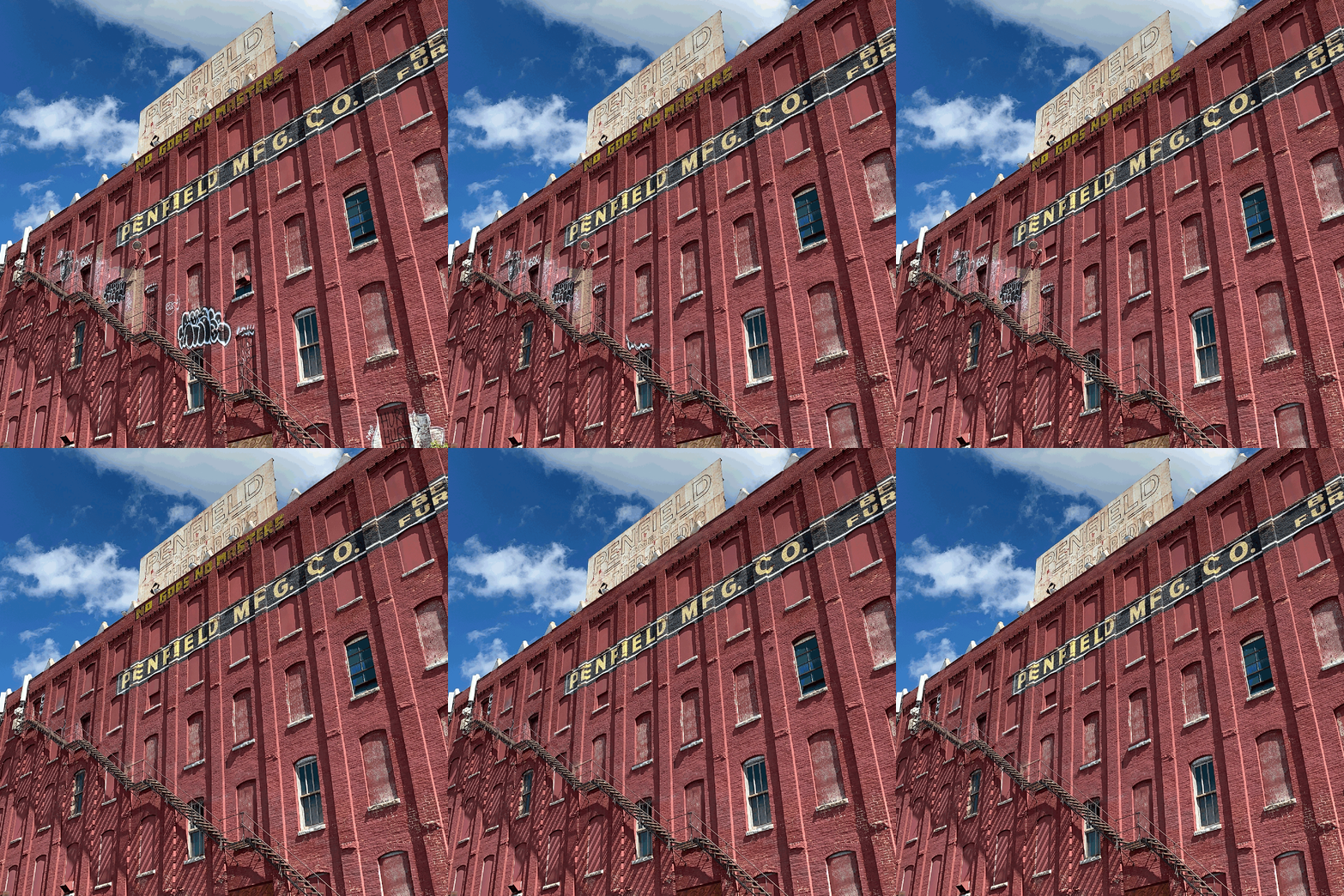
Day 5 Challenge—Content-Aware Editing: Remove objects and backgrounds from an image using Content-Aware tools.
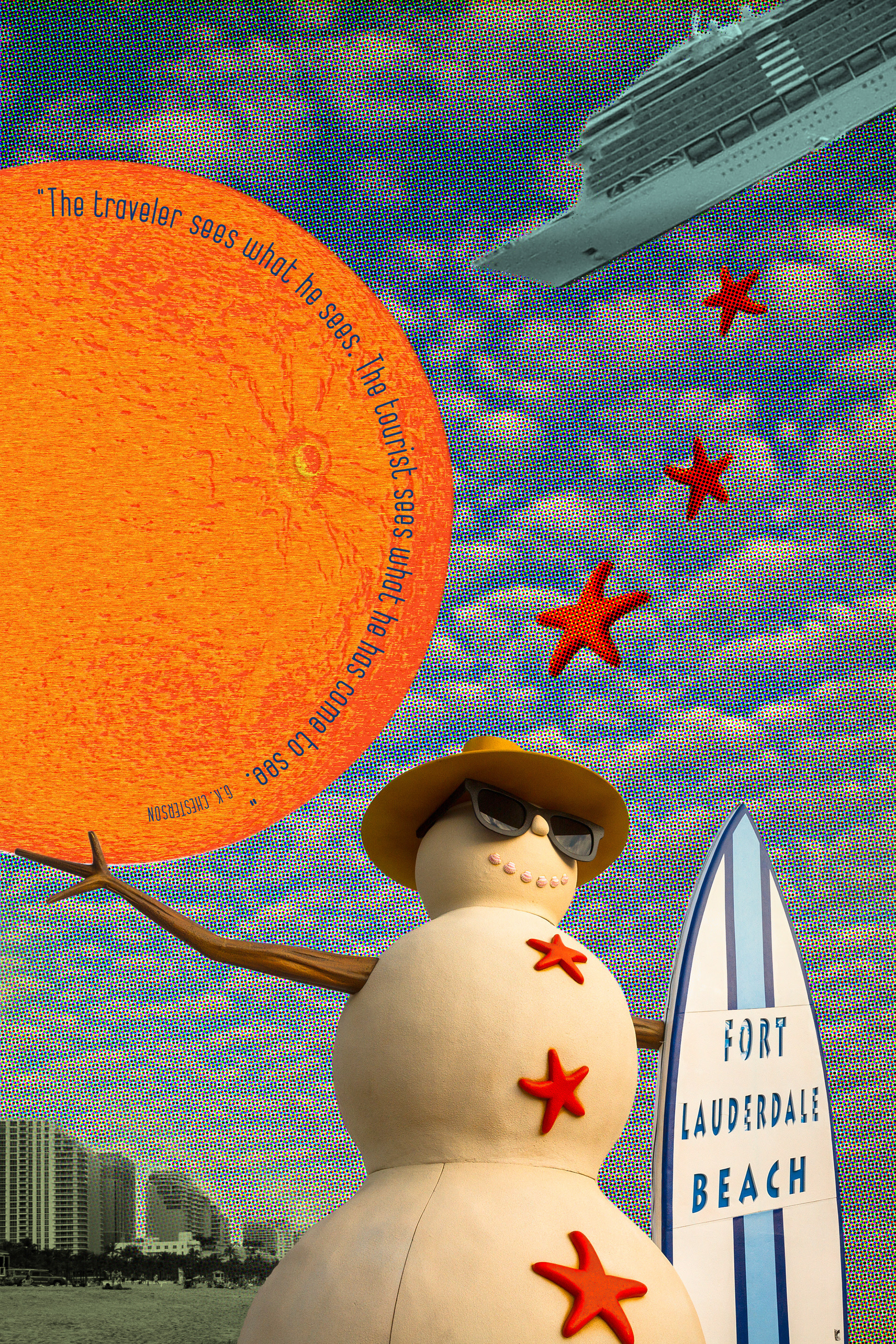
Day 6 Challenge—Pixelate, Pointilize, Mezzotint: Change the look of a photo or text dramatically with filters.
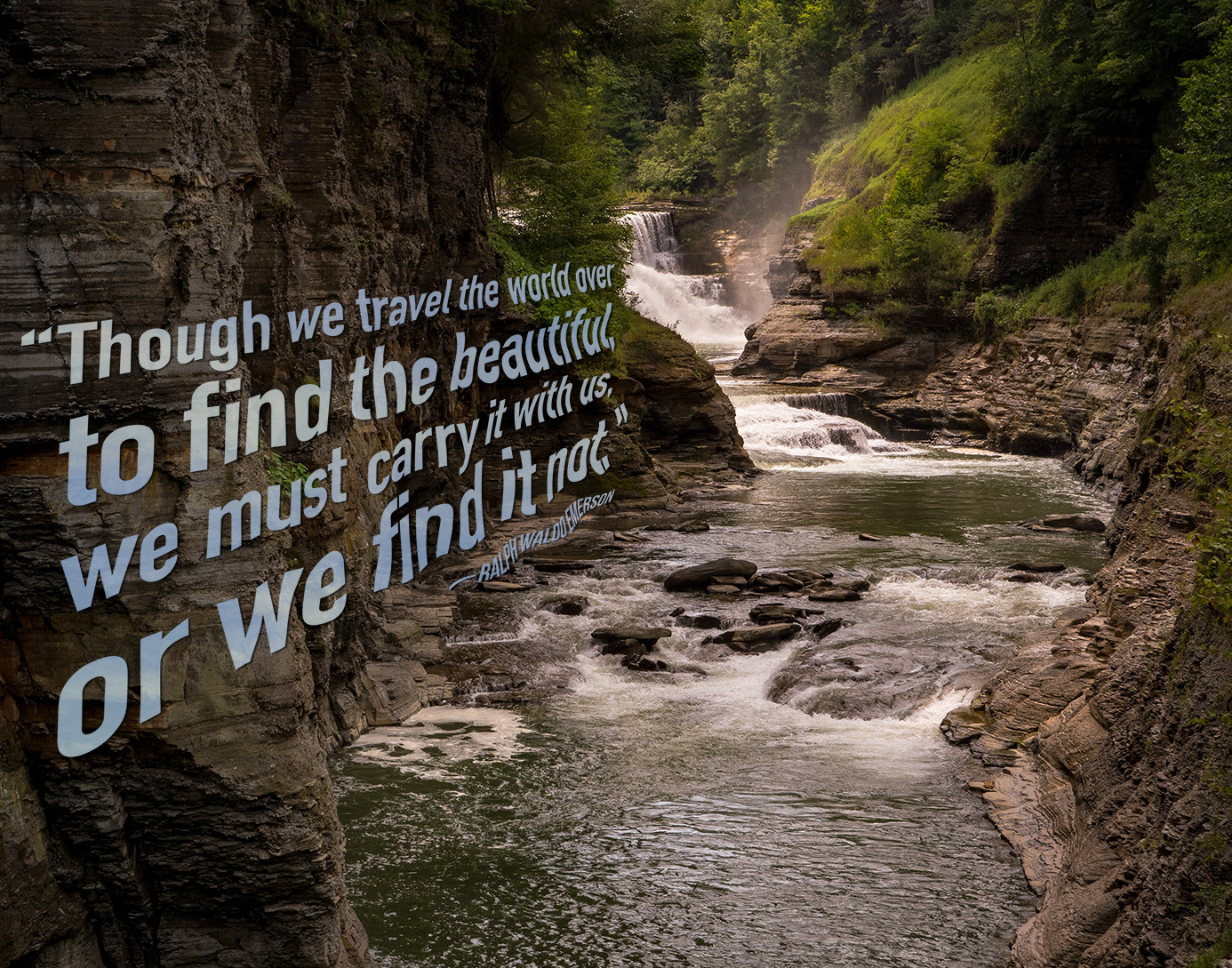
Day 7 Challenge—Text Manipulation: Incorporate text into a photograph using distortion effects.
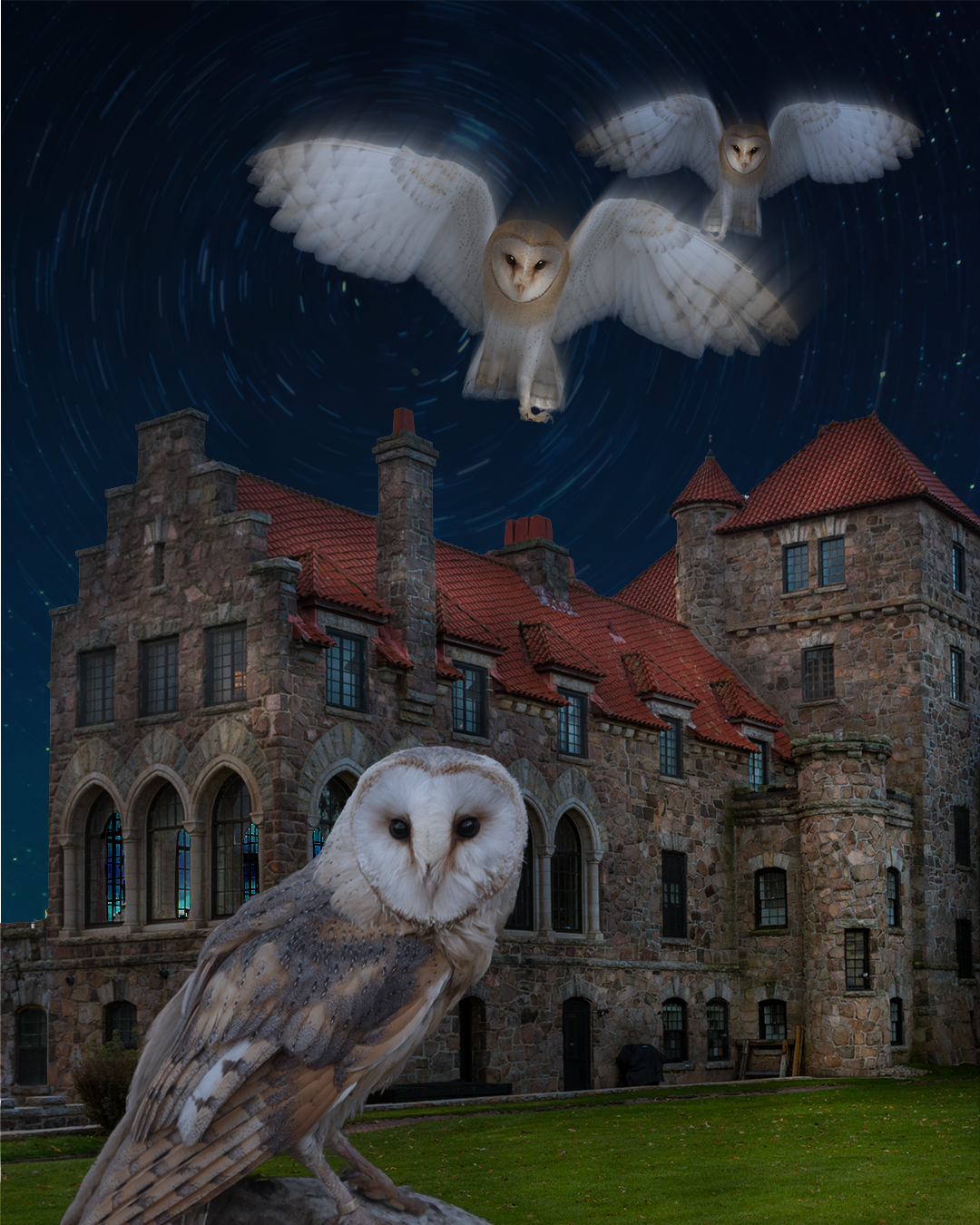
Day 8 Challenge—Blurring and Sharpening: Add depth and focus to a photograph using Blur Filters and Sharpness.
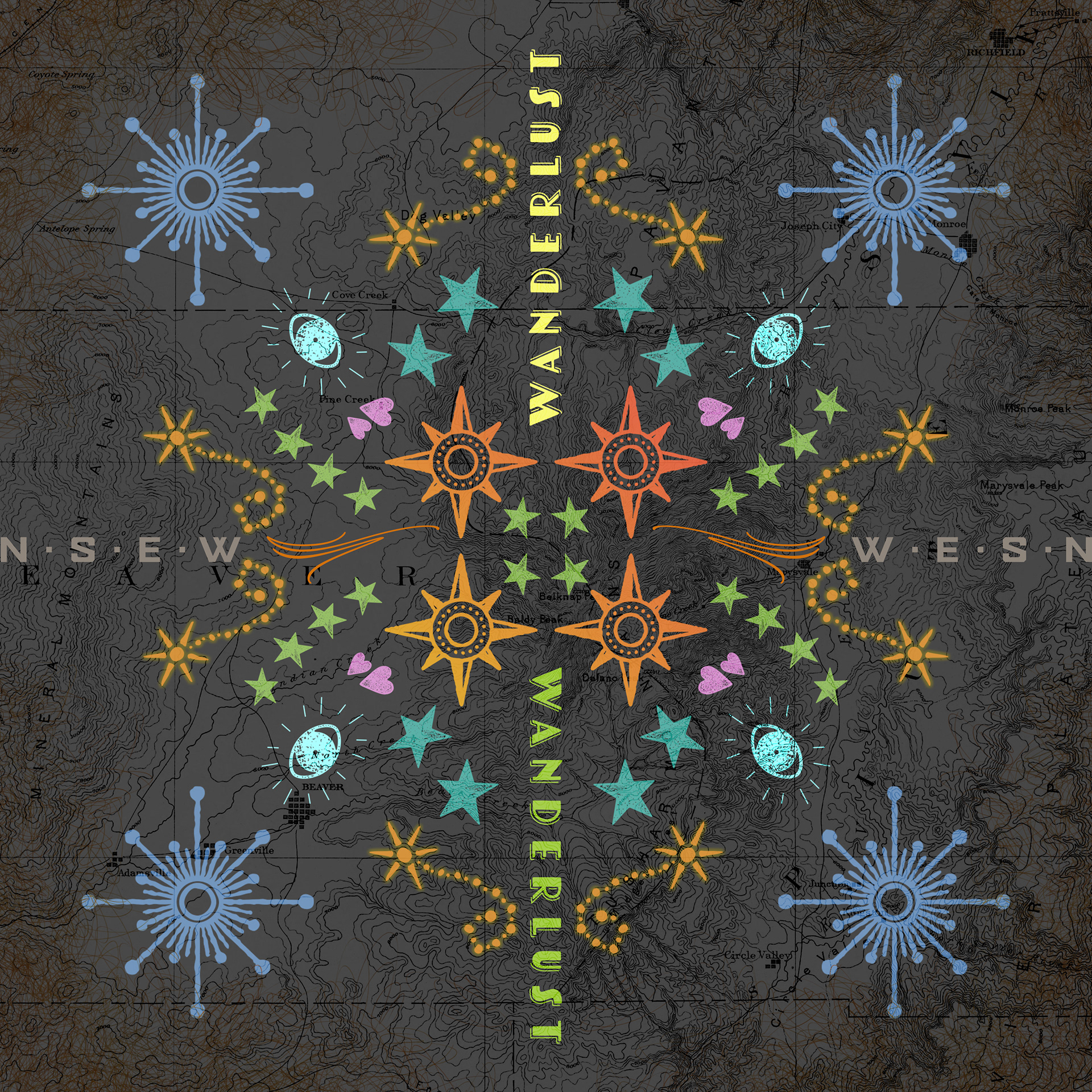
Day 9 Challenge—Symmetry: Make a family crest using text and the Symmetry tool.